WordPress or a custom-built website: how we decide in 2026
We don't sell “custom only” and we're not at war with WordPress. Sometimes I talk a client out of a custom build myself. More often, though, people come to us with a WordPress site nobody dares to touch, and that's a different conversation.
 Shahzodjon JumakulovFrontend developer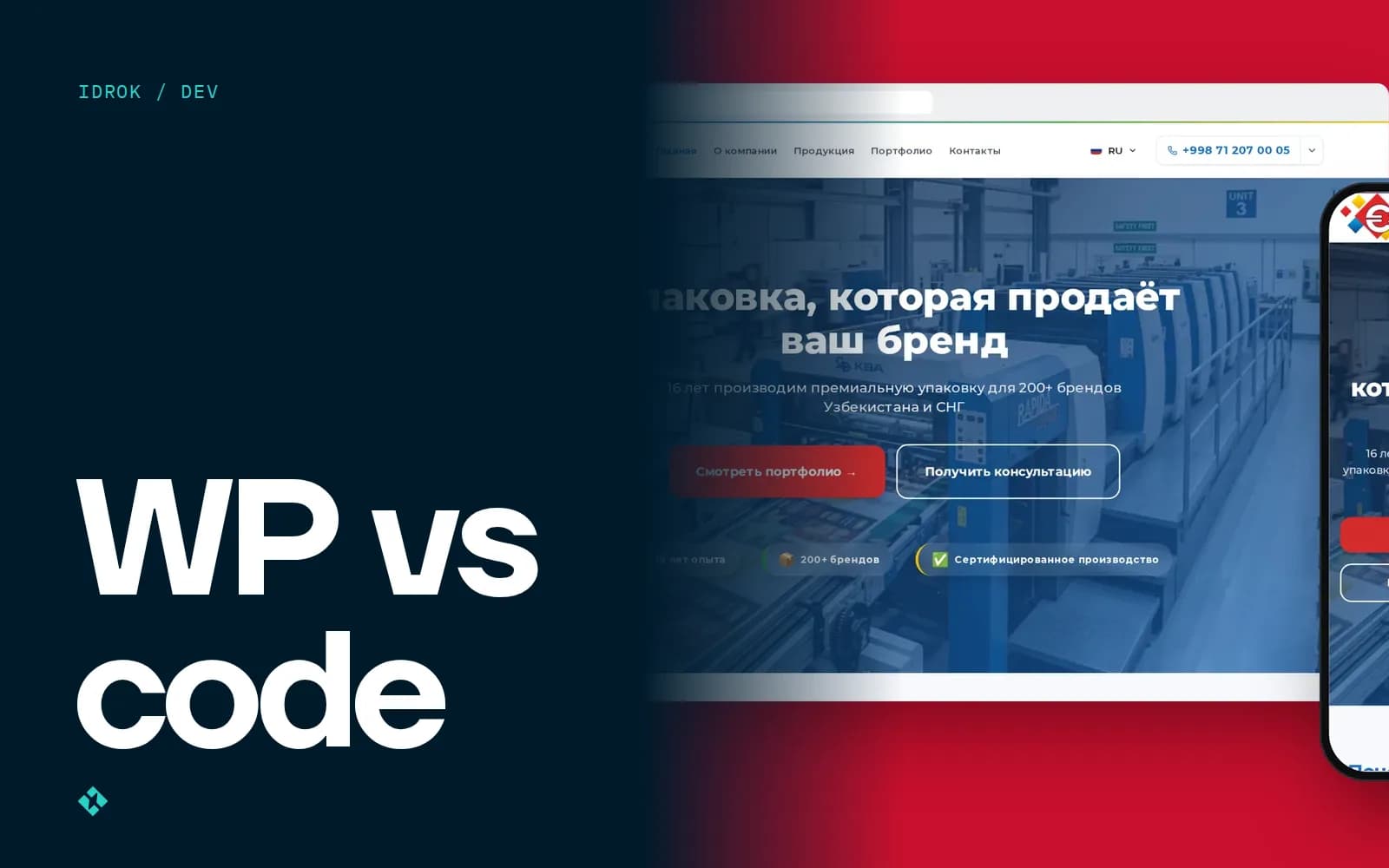
Recently we migrated an information portal for a public organisation in a neighbouring country. The site ran on WordPress with Elementor. When I opened it on a 1440-pixel laptop screen, the eight-item Russian menu wrapped onto two lines, with "О" on one and "нас" on the next. The homepage video didn't play for most visitors, because YouTube autoplay is blocked on many networks. The footer logo was a white PNG on a white background.
None of that is WordPress's fault. It's the fault of how the site was put together. But nobody wanted to fix it in Elementor: every change broke something on another page.
This happens a lot. And it shows what the "WordPress or custom" question is really about.
It's not about the engine, it's about who changes the site
When a client asks me what to choose, I answer with a question: what happens to the site a year from now? Who will add pages, news, products? Does it need anything besides text and images?
If the answer is "a marketer writes one article a week, nothing else", WordPress is almost always the sensible choice. If the answer is "leads must land in the sales team's Telegram group, the catalogue is in three languages, and the content manager must not be able to break the layout", we're talking about a different product.
When WordPress is the right call
I mean it. There are cases where building from scratch just burns the client's money.
- +A blog or media site where publishing text regularly is the whole point
- +You need to launch in a couple of weeks with a ready-made theme
- +The budget is under $800 and the site just needs to exist
- +Someone in the company already knows how to run it
- −Non-standard logic: calculators, user accounts, integrations with 1C or a CRM
- −Three languages with separate URLs and proper hreflang (plugins manage, but painfully)
- −Page builders like Elementor produce heavy pages, especially on mobile 3G in the regions
- −30 plugins from different authors, and every core update is a gamble
A word on security. WordPress core is updated carefully. Sites usually get hacked through an abandoned plugin someone installed three years ago for a slider. If your site is on WP, someone has to own the updates, or one day it will start showing casino ads.
And one more thing about money that rarely comes up at the start. A WordPress site is cheaper to launch, but not always cheaper to keep. A paid theme, a paid page builder, a paid forms plugin, a paid translation plugin: each licence renews yearly, usually in dollars, and after a couple of years the total is comparable to maintaining a custom site. I'm not saying that's bad. Just budget for three years, not only for the launch.
When we build from scratch: Excellent Print
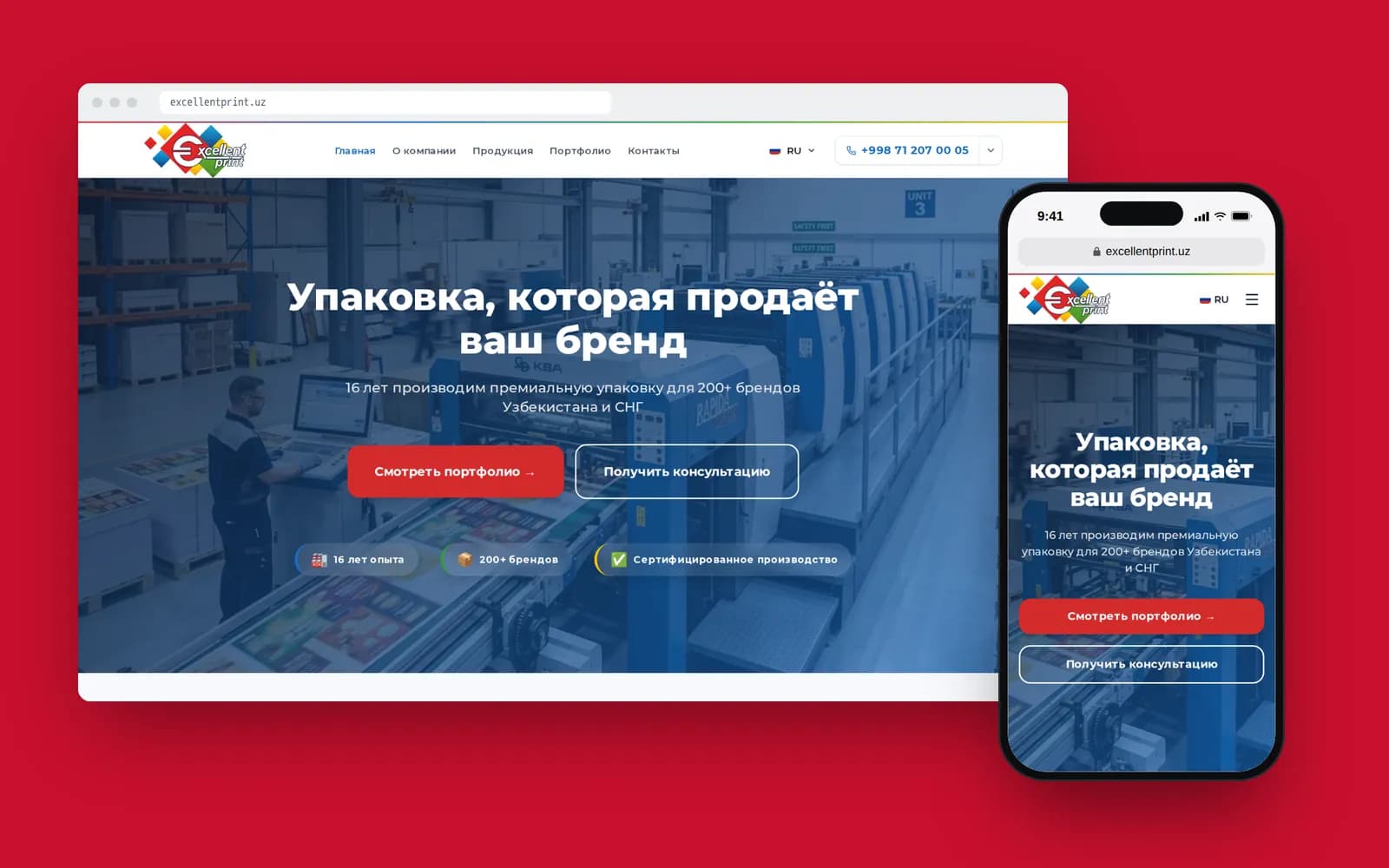
Excellent Print is a packaging manufacturer in Tashkent. We're building their corporate website right now. The requirements: Russian, Uzbek and English, a product catalogue, leads going straight to a Telegram group, and an admin panel where a manager can calmly edit products and text.

The stack: Next.js 15 with next-intl for the three languages, with the backend and admin on Laravel with Filament and a MySQL database. We usually write backends in Django, but here Filament gave us a comfortable admin almost out of the box, and that was simpler for the client.
Why not WordPress? We did discuss it honestly. Three languages with correct page URLs, a lead form that posts to Telegram, and a requirement that the manager can't accidentally change the layout. Each of those can be solved with a plugin. All three together become a bundle nobody will want to update two years from now.
And one important detail: Filament's interface is as simple as WordPress's. The client doesn't care what's under the hood. They care that the "Add product" button is where they expect it to be.

How we make the call
Below is roughly how I reason on the first call. It's not a formula, but it keeps us from arguing about taste.
| Situation | What we recommend |
|---|---|
| Blog, personal brand, small media outlet | WordPress with a lightweight theme |
| Landing page for ads, testing an idea | An off-the-shelf tool or a simple landing from $800 |
| Corporate site in 2–3 languages with lead capture | Custom, from $2,000 |
| Catalogue, integrations, user accounts | Custom, from $4,000 |
| Existing WP site that works but is slow | Audit and clean-up first, not a rewrite |
The last row matters. Not every old WordPress site needs to be thrown away. Sometimes it's enough to remove extra plugins, convert images to WebP and switch the theme. A rewrite makes sense once changes cost more than a new site would.
How we migrate off WordPress
Once the decision to move is made, this is our order of work. We followed it on that Elementor portal.
- Export all content. Text, documents, images, menus. We saved pages verbatim so we could compare later: not a single paragraph should go missing on the new site.
- Collect the list of old URLs. From the sitemap and from Google Search Console. Every old address either stays or 301-redirects to its new one.
- Build the new design and frontend. Usually in Next.js. Content can still be pulled from the old server at this stage.
- Run the new site next to the old one. On a separate port or subdomain. The client reviews, compares, requests fixes.
- Switch the domain. Check the redirects, submit the new sitemap to Search Console and Yandex Webmaster.
- Move the media files, and only then switch WordPress off.
People often skip step six. The site has moved, everyone is happy, the WordPress hosting isn't renewed, and a month later half the images are broken links.
What happens to SEO during the move
This is what clients fear most, and for good reason. If old URLs simply disappear, Google drops those pages from results within a couple of weeks, and traffic built up over years is gone.
Here's what we do beyond redirects. We carry over titles and meta descriptions from Yoast or Rank Math instead of rewriting them. We keep the heading structure on pages that bring in traffic. And for the first two or three weeks we check Search Console daily to make sure the new pages are being indexed.
A small dip in rankings after a move happens almost every time, and that's normal. It usually passes within a few weeks, and then the new site, faster and better marked up, starts to overtake the old one. If the dip lasts a month or more, something was missed, and most often it's the redirects.
What it costs and what I'd advise
Moving off WordPress is essentially a new website that comes with its content ready. Ready content saves time, but less than you'd think: it still has to be sorted, cleaned of Elementor leftovers and fitted into the new structure. Price-wise, use the same reference point as for a corporate website.
My advice is simple. If you can't name a single feature WordPress lacks, start with WordPress. If you can name three, talk to a developer about a custom build. And if you already have a WordPress site everyone is afraid to touch, bring it to us: sometimes it can be fixed, and if so, I'll tell you straight.