How much a website costs in Tashkent in 2026, and why
We've seen the same “simple website” quoted at $150 and at $15,000, and both numbers were honest. Using our own projects, I break down what a client is actually paying for and where the money nobody mentioned upfront tends to hide.
 Azamat AbduyaminovFounder, lead engineer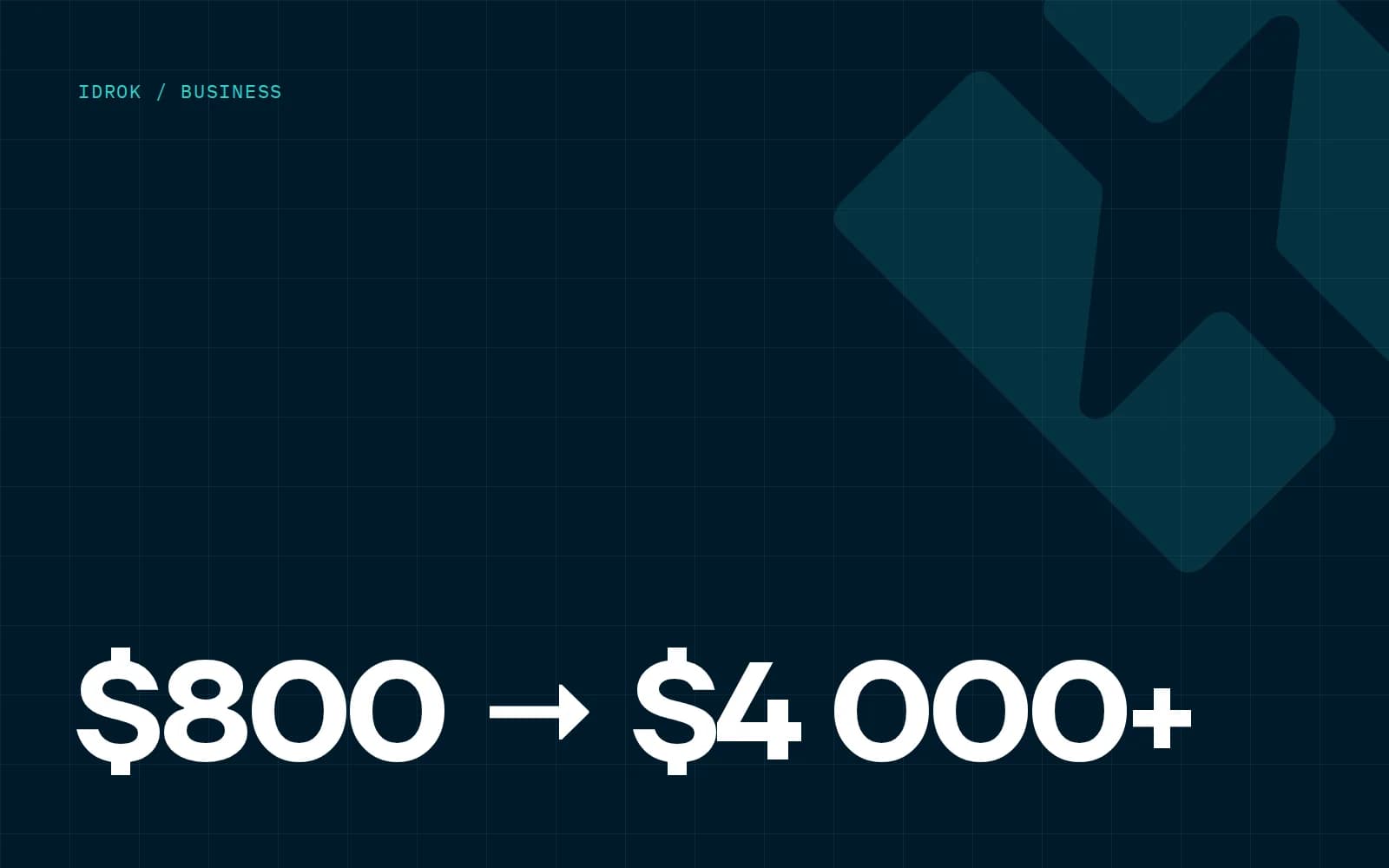
Last week the owner of a small manufacturing business messaged me on Telegram: "How much is a website? I need a simple one, five pages." I asked back: in which languages? Three, it turned out. With a catalogue the sales manager can update himself. With enquiries landing in the team's Telegram group. And "so it shows up on Google."
That's not five pages anymore. That's a proper corporate website, and it's priced differently.
I'm writing this so I don't have to explain the same thing every time. The numbers below are ours, from projects in 2024–2026. Other studios will quote differently, but the structure of the price is the same everywhere.
The short answer in dollars
If you want one line: with us a landing page starts at $800, a corporate website at $2,000, an online store or platform at $4,000. The important word there is "starts", so here's where projects actually end up.
This is a reference point, not a price list. A landing page for a course intake might come in at $900, or go past $2,000 once you add animations, A/B variants and a CRM integration.
What goes into a quote
When we estimate a project, we estimate hours. Designer hours, frontend hours, backend hours. After that it's simple: the more non-standard screens and logic, the more hours.
| What drives cost | Cheaper | More expensive |
|---|---|---|
| Design | ready grid, 3–4 standard screens | own visual language, 15+ mockups, separate mobile layouts |
| Content | client provides copy and photos | we write, shoot, translate |
| Editing | static pages | CMS with roles, drafts, SEO fields |
| Languages | one | uz (Latin + Cyrillic), ru, en |
| Integrations | form to Telegram | Click/Payme, 1C, CRM, price calculator |
| SEO basics | title and description | per-language sitemaps, hreflang, Schema.org markup |
Design
The stretchiest line in any quote. You can take a clean template and adjust the colours. Or, as we did with Legal Alliance, you design the logo and brand book first and then build the site in that style. The second route costs roughly twice as much, but the site doesn't look like a hundred others.
Languages
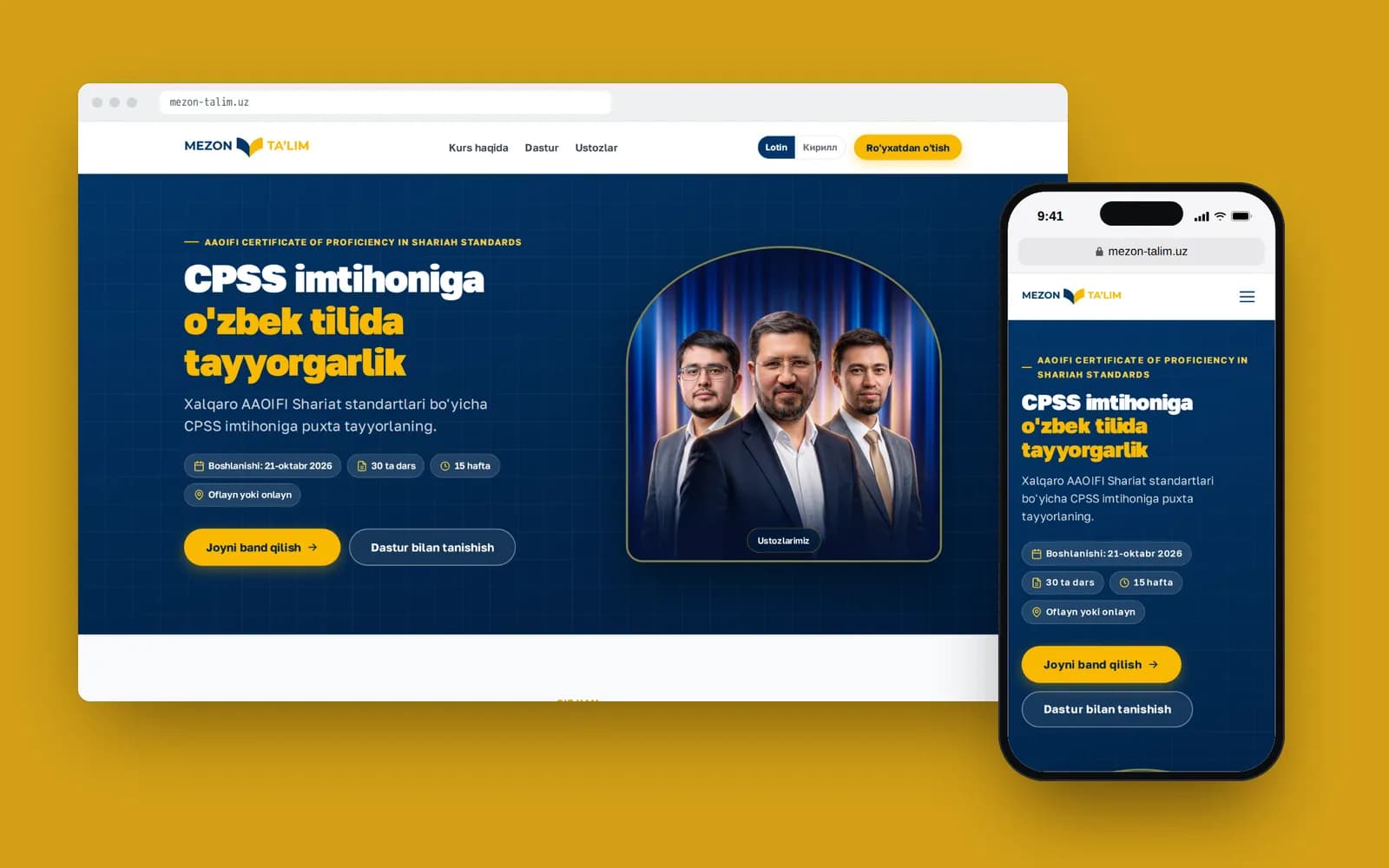
Each language isn't "press the translate button". It's separate URLs, separate meta tags, checking that long Russian words don't break the buttons, and a translator you trust. For Mezon Ta’lim we built Uzbek in two scripts plus Russian: the audience for an Islamic-finance course reads both Latin and Cyrillic, and losing half of it to save money would have been silly. In our experience every extra language adds 15–25% to frontend and content work.
CMS and admin
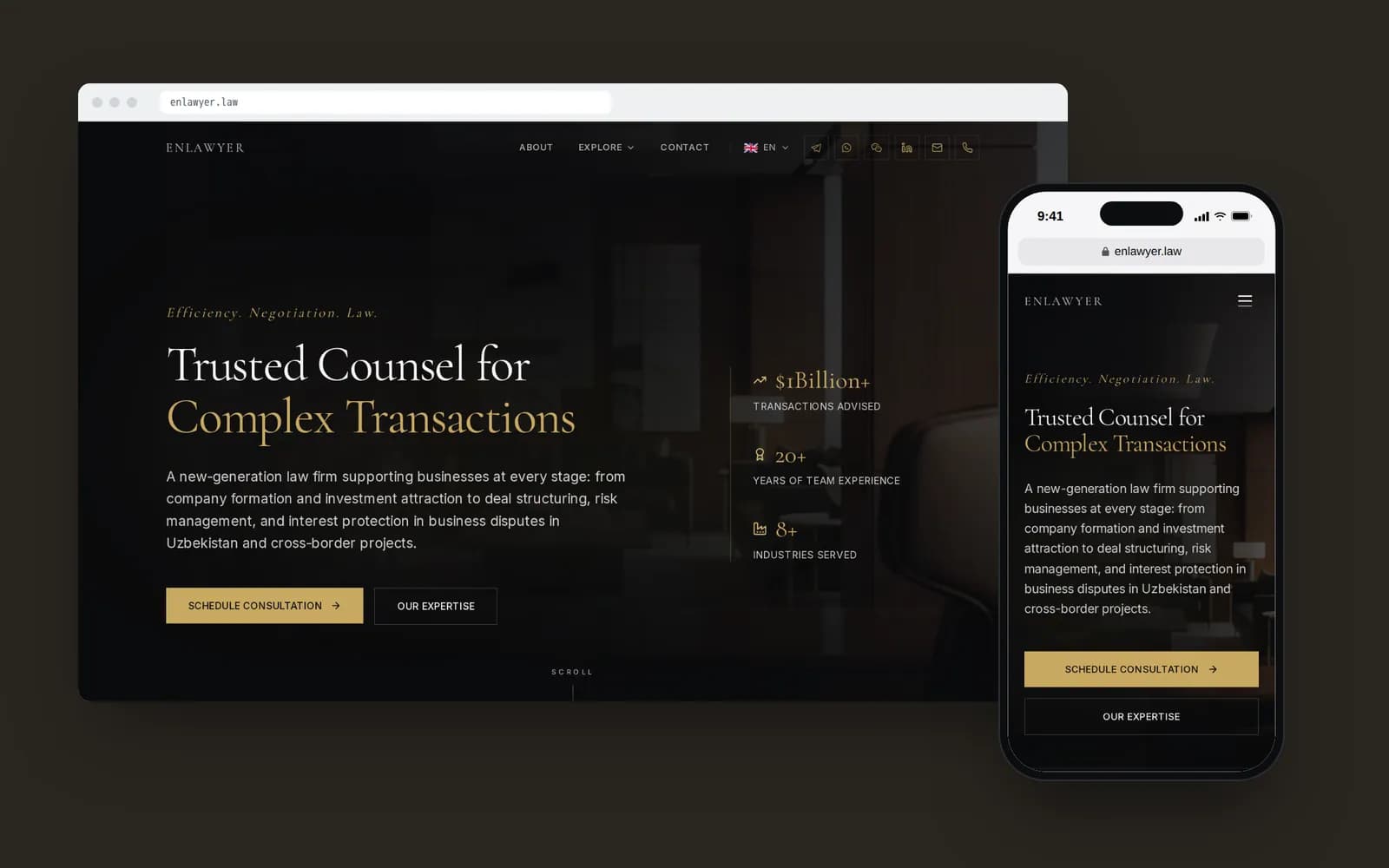
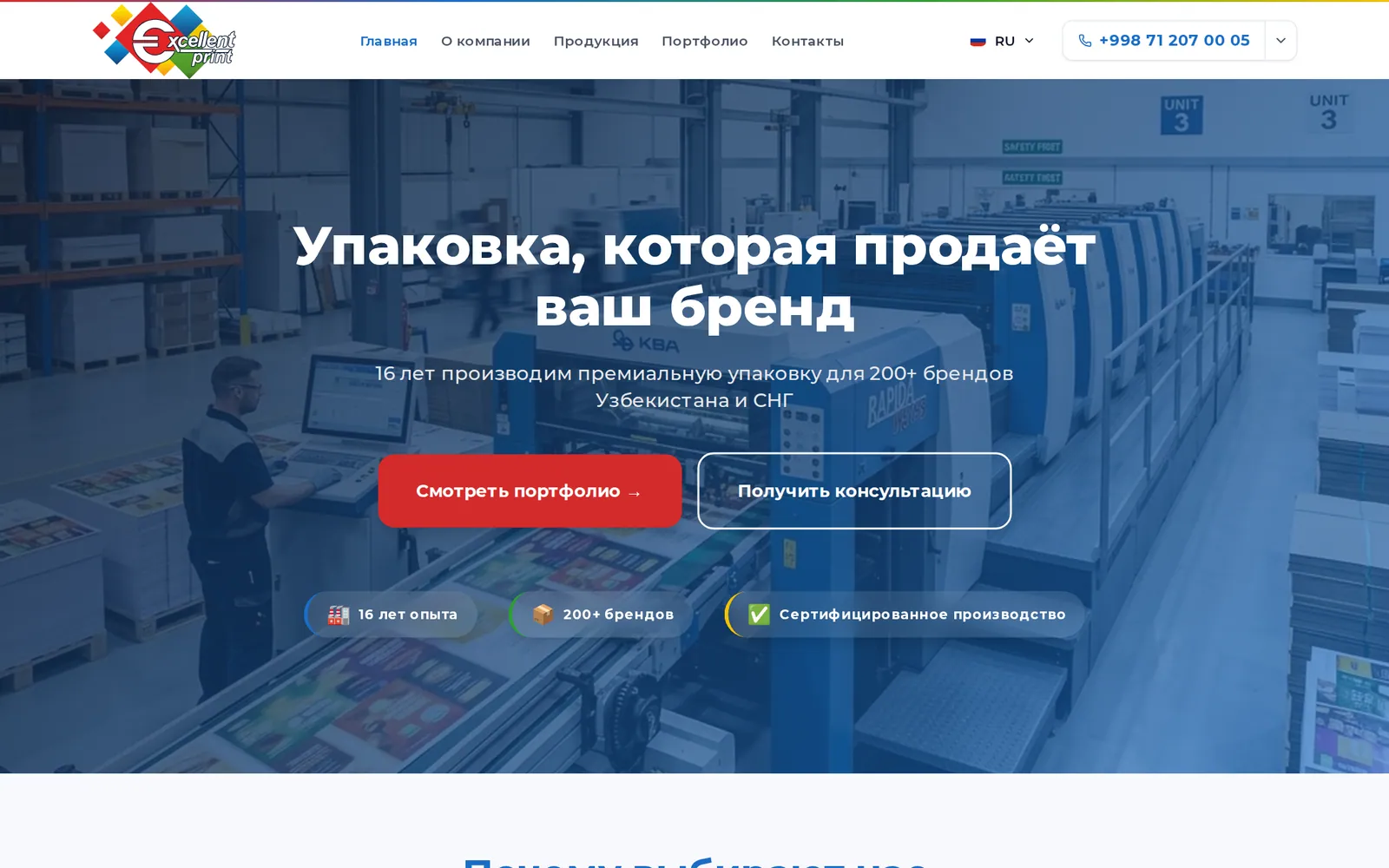
If the site will be updated, it needs an admin panel. For Excellent Print we used Laravel with Filament: the manager adds products in three languages, and enquiries go straight to the sales team's Telegram group. On Enlawyer the admin is Django, with practices, deals, team and articles with a table of contents. That's weeks of work, not a checkbox in the contract.
Integrations
A form that posts a message to Telegram takes a couple of hours. Online payments via Click and Payme, with failed payments and refunds handled properly, take several days, plus however long the client needs to sign with the payment provider. A ZIP-to-ZIP price calculator like the one we built for the US car shipper IBN Express is its own small project with its own testing.
Why a $200 website ends up expensive
I have nothing against cheap websites. Sometimes you really do need to test an idea in a week, and a site builder or template is the right call. The problem is that a cheap site is almost never sold as "temporary".
The usual story goes like this. A company pays $200–400 and gets a WordPress template with a dozen plugins. A year later the plugins haven't been updated, the site is hacked and sending spam, or it simply stopped loading after the host upgraded PHP. The developer doesn't reply. The next contractor can't rescue anything because nobody knows what was installed.
We've rebuilt sites like that more than once. One client told us plainly that over two years of "saving" he'd spent more on patching than a decent site would have cost in the first place. I believe him.
If you want the comparison of site builders, WordPress and custom development, we covered it in WordPress or a custom site.
The costs people forget
The amount in the contract isn't everything you'll pay for the site in year one. These usually don't make it into the first quote, and they're worth discussing before you start.
- A .uz domain: roughly 100–150 thousand so'm a year; .com about $12–15
- Hosting or a VPS: $5 to $40 a month, depending on load
- SSL certificate: Let’s Encrypt is free, but someone has to keep it renewed
- Copywriting and translation, if you don't have the texts
- Photography: stock photos on a law firm's or clinic's site look cheap
- Support after launch: updates, backups, small edits
- SEO and ads: a site doesn't bring traffic on its own
A word on support. A website isn't a flyer. It needs updates, backup checks, someone watching the domain expiry date. We've been running the website of MY5 TV channel since 2023, with more than 140 commits along the way. Mirodil goes through the monthly routine in Your site is live. What to do every month.
How to get an honest estimate
The sharper the question, the sharper the answer. "How much is a website" is a bit like "how much is a car". It's faster for us to give you a number if you've answered a few things for yourself:
- What is the site for: enquiries, trust before a deal, online sales, hiring?
- How many languages, and which ones?
- Who will update the content, and how often?
- Where should enquiries go: Telegram, a team mailbox, a CRM?
- Do you have a logo, brand colours, copy, photos?
- Do you need payments, user accounts, integrations?
Shahzodjon turned these questions into a one-page template; you can grab it from the article on writing a website brief.
Where you can save without regret
- Launch in one language but build the structure for a second. Adding a language later is cheaper than rebuilding URLs.
- Write the copy yourselves: nobody knows your business better than you. We'll edit it.
- Skip complex animation in the first phase.
- Don't build user accounts if enquiries can come in through Telegram.
Where you shouldn't
- Access. The domain, hosting and repository must be in your name.
- Mobile. In Uzbekistan most of the traffic to our clients' sites comes from phones.
- Basic SEO. Changing the URL structure after launch costs more than getting it right the first time.
What I'd do in the client's shoes
First I'd decide on the one job the site has to do in its first three months. Not five jobs, one. Then I'd buy the smallest scope that does it, built carefully: on a sensible stack, with access in my own name, and with room to grow.
With $800–1,000 that's a good landing page. With $2,000–4,000 it's a corporate site with an admin panel and a couple of languages. Above that, we can talk about a store or a platform. And with $200, I'd honestly suggest a Telegram channel with a pinned post and a bot for enquiries. That works better than a bad website.
If you want a rough number for your own case, message me on Telegram at @Azamat_yamin; I usually reply the same day.