Click and Payme payments inside a Telegram bot: the Splash Water case
In 2024 we built two bots that take money in completely different ways. Splash Water sells bottled water with Click and Payme payments right in the chat. Foydali Nuqtalar asks for a screenshot of the receipt, and an admin approves it by hand. Both work, and both have their traps.
 Mirodil OrtiqovBackend developer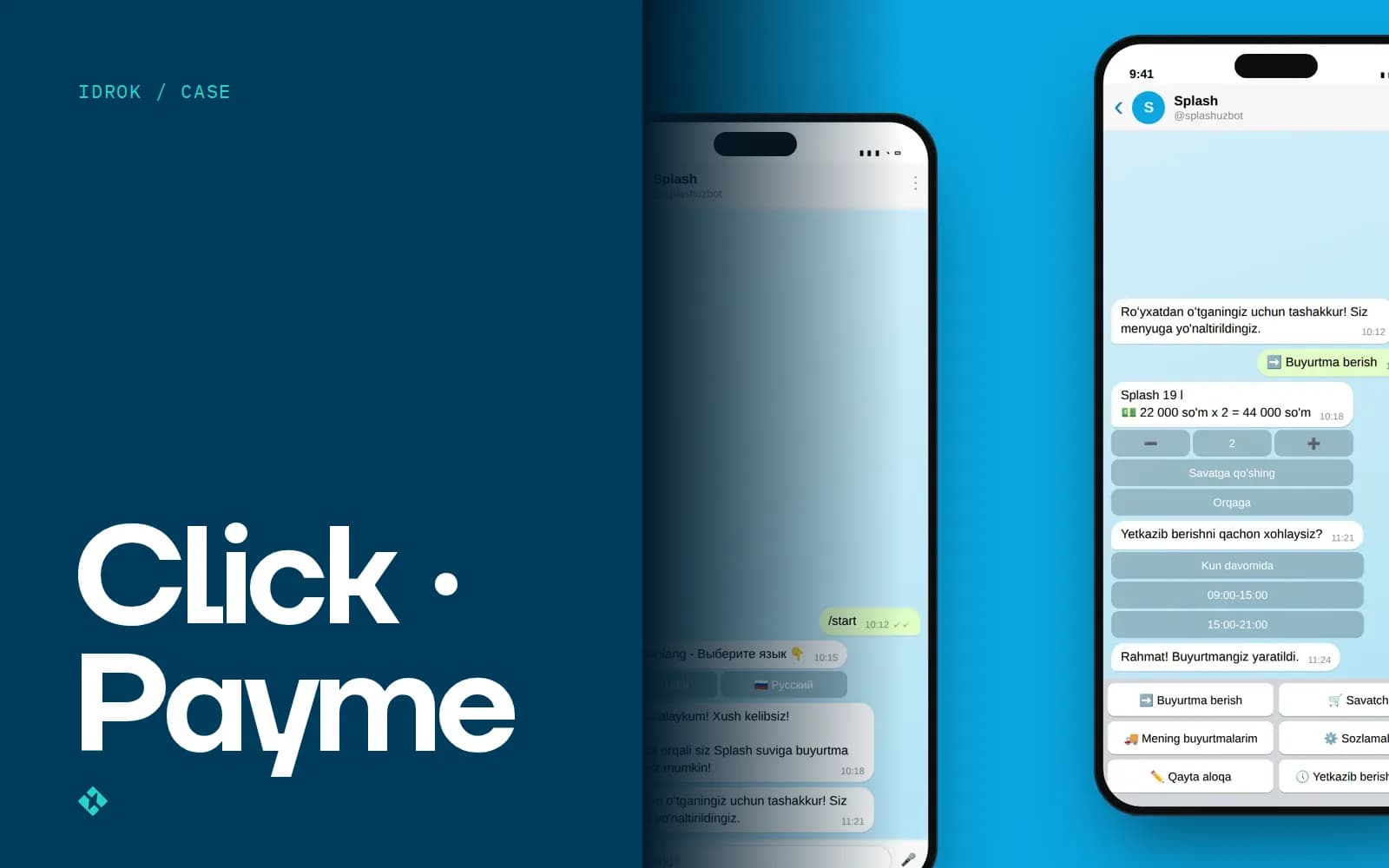
The first question almost every client with an ordering bot asks is: “Can people pay right inside Telegram?” They can. But before I say yes, I now ask how many orders a day you expect and who on your side will match payments to orders.
The answer decides whether you need a payment integration or whether a photo of a receipt and one attentive admin will do.
Two bots, two ways to take money
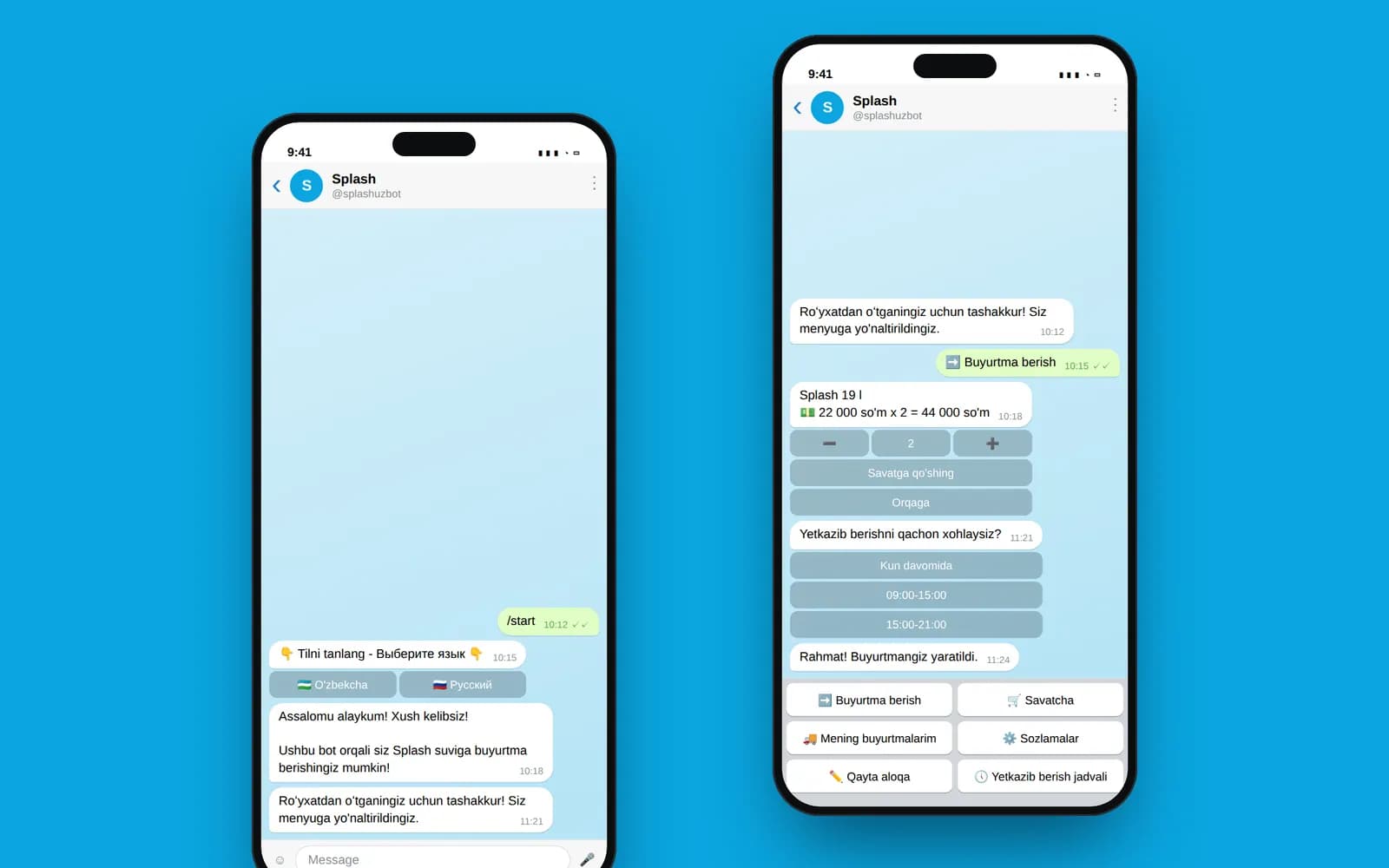
Splash Water delivers bottled water. The customer fills a cart, picks a date and a time slot, sends a location and pays. There are three options: Click, Payme, and cash to the courier. The order lands straight in a private operators' channel.
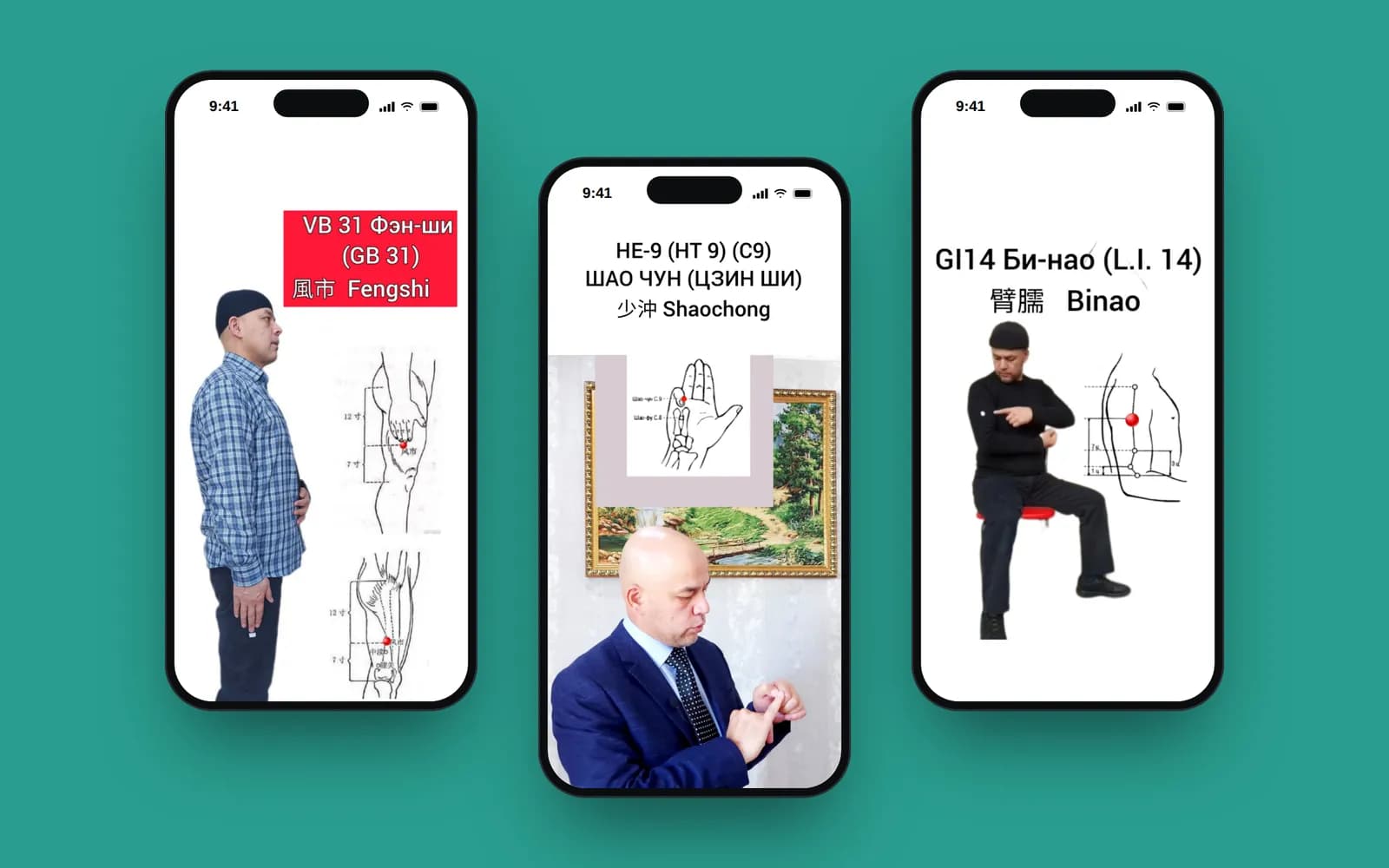
Foydali Nuqtalar is a paid acupressure e-book inside a mobile app for iOS and Android. The first chapters are free, the rest open after payment. Payment goes through a separate Telegram bot: the person transfers the money and sends a screenshot of the receipt, and a staff member marks it as paid in the admin panel.
The first is a proper integration. The second is essentially a human in the loop. I'll go through both.
How payment works in Splash Water
We didn't integrate the Click and Payme APIs directly. Instead we used Telegram Payments: Click and Payme are among Telegram's payment providers and you connect them through @BotFather. The bot issues an invoice, Telegram shows its own payment form, the provider charges the card, and the bot gets a successful-payment notice.
Why not the direct API? With Telegram Payments you don't build your own payment page or store anything about cards: Telegram shows the form, and only the provider sees the card details. But you still need a contract with Click or Payme. The token in @BotFather is issued for a specific merchant, so the business first has to sign up with the payment provider as a company or sole trader. This often takes longer than building the payment flow itself, so now I ask clients to start that process in the first week of the project.
Here's the customer's path:
And here's what happens inside:
- Cart and order details. Delivery date (from tomorrow onwards), time slot, comment, location. All of it sits in aiogram's FSM state until the order is placed.
- Invoice.
send_invoicewith currencyUZSand the cart items. Amounts go in the smallest unit, tiyin, so we multiply the price in so'm by 100. - pre_checkout_query. Before charging, Telegram asks the bot: “Do you confirm this payment?” You have 10 seconds to answer.
- successful_payment. A message arrives with the payment IDs. We store the transaction: user, method, amount,
telegram_payment_charge_id. - Order to the ops channel. The order text with items and total, the location as a reply to it, and a “Go to order” button that opens that order in the Django admin.
- Statuses. The operator moves the order along: “In moderation” → “Confirmed” → “Delivered.”
For cash, steps 2–4 are skipped: the bot shows an order summary and asks “Confirm?” Plenty of people still pay cash, by the way: the courier carries a 19-litre bottle to the door, and handing the money to him is simply easier.
The ops channel turned out to be the best part of the project. Operators don't have to keep the admin panel open: an order arrives as a Telegram notification, the address opens on a map in one tap, and if something needs fixing, the button leads straight to the right record.
What we got wrong
Now for the things I'd redo. Here's our pre_checkout handler from the first version:
async def pre_checkout(query: types.PreCheckoutQuery):
    await OrderForm.success_state.set()
    await query.bot.answer_pre_checkout_query(query.id, ok=True)
It approves any payment without checking anything. While prices rarely change, that works. But half an hour can pass between the invoice and the tap on “Pay”: in that time an admin can change a price or remove a product, and the customer pays the old invoice.
The second mistake was the payload. We passed the same string for every invoice. The payload comes back in successful_payment, and it's the simplest way to tie a payment to a specific order. The right way is to put in the ID of an order created before the invoice, not to assemble the order from FSM state after payment.
The third was in-memory state. If the bot restarts between the invoice and the payment, the order data in FSM is gone, but the money still arrives. For payment flows the state storage belongs in Redis or the database, not in MemoryStorage.
As far as we know, none of these cost the client any money. But if I were building the bot again, I'd fix all three on day one.
Manual receipt checks: Foydali Nuqtalar
The second project works differently. The user taps “Buy” in the app, and the app opens the Telegram bot with a link like t.me/<bot>?start=<user id>. That way the bot knows who's paying immediately, with no sign-up.
Then the person transfers the money and sends a screenshot of the receipt to the bot. The bot saves the image, creates a transaction with status “pending,” and posts the photo to a private channel with the name, time and a link to the record in the admin panel. A staff member opens it, checks it against incoming payments, sets the transaction to “completed” or “rejected,” and switches on premium access for the user. The app receives a push saying “You can now read the whole book,” and the chapters open up.
It sounds old-fashioned, but it fit this project. One product, one price, not thousands of purchases a day, and the client already had someone checking incoming payments every day anyway.
- +Live in a couple of days, no contract with a payment provider
- +Works with any transfer method, including card-to-card
- +A person sees every payment with their own eyes
- −The buyer waits for approval, sometimes for hours, especially at night
- −A screenshot can be faked, and the check relies on one person's attention
- −It doesn't scale: at a hundred orders a day it's a separate job
- −Users send the wrong file, and that's one more conversation
How to choose between them
My view after both projects: if you sell a physical product and orders are frequent and repeat, go straight to Click and Payme via Telegram Payments. It isn't expensive to build, and the customer pays in the same window they ordered in, instead of leaving with “I'll transfer later.”
If you have a single product, sales are one-off, and you're still testing whether anyone will buy at all, manual receipt checks are a fine start. Just agree in advance who answers and how fast, and use statuses so no receipt gets lost in a chat.
In both cases, orders and payments should land where people see them, not only in the database. An ops channel with a button into the admin panel is the cheapest and most useful thing we've built into bots like these. How we then figure out where those orders came from is covered in the article on tracking leads from Telegram.
You can read more about the projects in the Splash Water and Foydali Nuqtalar case studies.