A website in three languages: hreflang mistakes we made ourselves
Almost every site we build in Tashkent launches in two or three languages at once. Over the years I think I've stepped on every rake lying between “add a language switcher” and “Google shows the right version to the right person”. Here they all are in one place, along with how we do it now.
 Shahzodjon JumakulovFrontend developer
A client once sent me a screenshot from Telegram. He had dropped a link to his site into a work chat, and the preview under the link was in English. The site is Russian-language, the audience is Russian-speaking, and the English version exists “just in case”. He wanted to know what broke.
What broke was a feature I myself once thought was convenient. That's where I'll start.
Mistake one: picking the language from the browser
The site was Legal Alliance, built on Nuxt 3. The @nuxtjs/i18n module can read the Accept-Language header and redirect visitors to “their” language. Sounds considerate. In practice, the site root was sending some visitors off to /en or /uz.
When Telegram builds a link preview, it arrives with its own language header. So do search crawlers. An ad click from a Russian-language campaign could land on the Uzbek version simply because the person's browser was set to Uzbek.
We switched off detectBrowserLanguage and kept a single rule: the language is determined by the URL and nothing else. / is Russian, /uz is Uzbek, /en is English. Want another language? Use the switcher.
Separate URLs or a cookie
The second question that pops up on every project: do we even need a prefix in the URL, or can we store the language in a cookie and serve everything from one address? The Legal Alliance config still contains a commented-out line, strategy: "no_prefix". It's a little monument to how close we came to picking the wrong option.
- +Google sees and indexes every language version
- +You can share a link and the recipient sees the same language
- +hreflang, sitemaps and ads can be set up per language
- +Analytics splits traffic by language on its own
- −The search engine sees only one version, usually the default language
- −Two pages in different languages share one URL, which breaks caching
- −The Telegram link preview is always in one language
- −Fixing anything requires workarounds on the server
Our conclusion is unambiguous: each language version gets its own URL. “Default language without a prefix, the rest with one” works fine. In Next.js that's localePrefix: 'as-needed' in next-intl; Nuxt has a similar prefix_except_default strategy.
One detail we tripped over: if your strategy serves the default language both with and without a prefix (/uz/blog and /blog at the same time), those are duplicates. Pick one and redirect the other.
hreflang: three lines almost everyone gets wrong
hreflang tells the search engine: this page is in Russian, and its Uzbek copy lives over there. Without it, Google sometimes shows a Russian page to someone who searched in Uzbek, or treats the versions as duplicates.
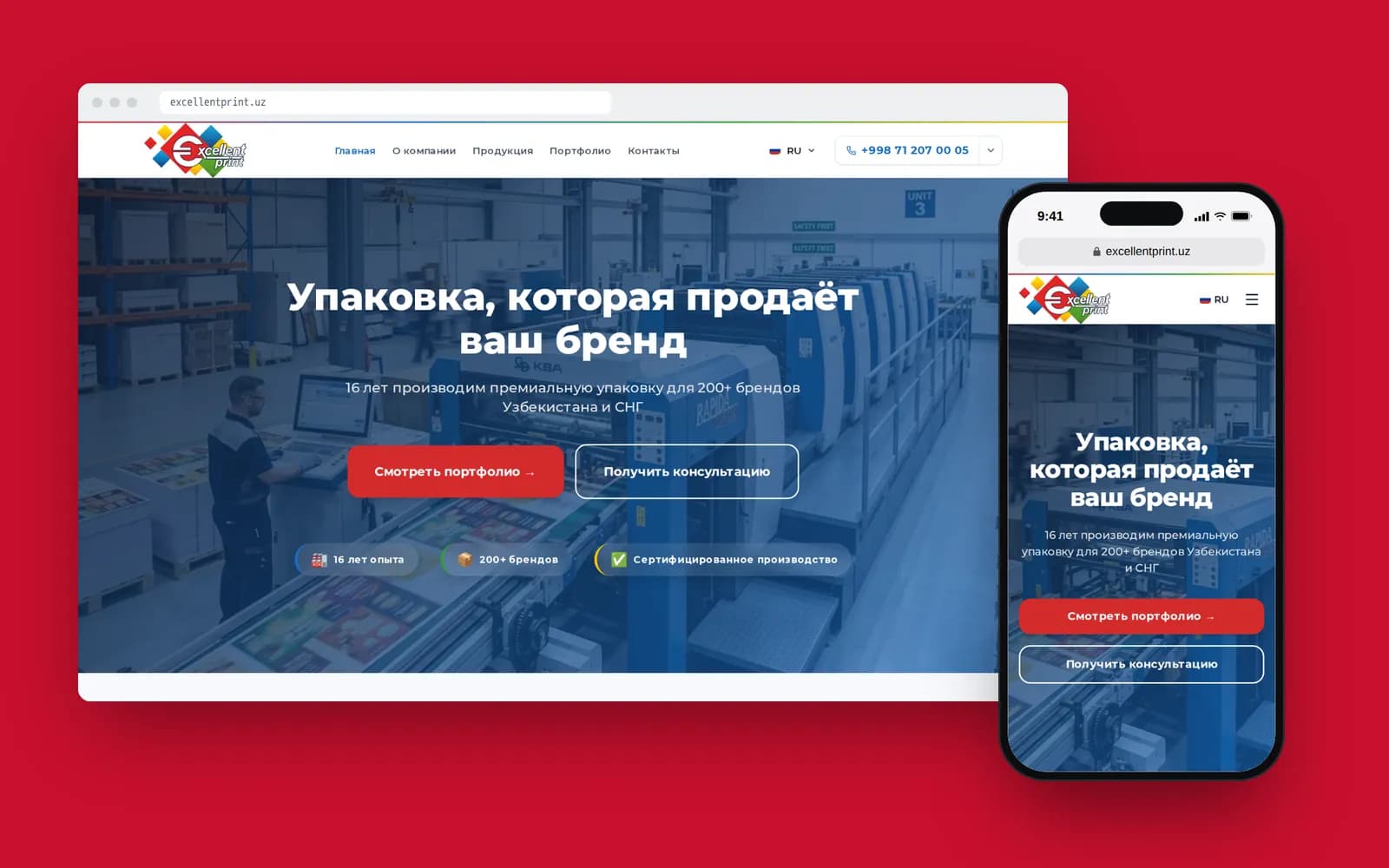
On Excellent Print we put everything into one function so that the canonical and hreflang physically cannot drift apart:
export function alternatesFor(locale: string, path = '/') {
  const languages: Record<string, string> = {};
  for (const l of LOCALES) languages[l] = canonicalUrl(l, path);
  languages['x-default'] = canonicalUrl(DEFAULT_LOCALE, path);
  return { canonical: canonicalUrl(locale, path), languages };
}
It looks boring, but each line closes off a specific mistake we've seen on other people's sites and on our own:
- No self-reference. The Russian page must list itself among its alternates too. Many people only list the “other” languages.
- No return link. If the Russian page points to the Uzbek one but the Uzbek page doesn't point back, Google ignores the pair.
- canonical and hreflang disagree. The canonical URL has a trailing slash and the hreflang one doesn't. To a search engine those are different addresses. We even dropped the slash on the bare domain so the canonical in
<head>and the<loc>in the sitemap match byte for byte. - A forgotten
x-default. It tells the search engine which version to show people whose language matches none of them.
Slugs get translated too
For a long time I did it like this: the page URL is in English for every language and only the content is translated. /uz/products/corrugated-boxes. It works, but an Uzbek-speaking user sees a foreign-language URL in search results, and the URL also contains words the search engine uses to understand the page.
On Excellent Print, product slugs are translated. The Russian page lives at /products/gofrotara, the English one at /en/products/corrugated-boxes, and they're the same page. The site runs on Next.js 15 with next-intl, the admin is Laravel with Filament, and a manager fills in the slug for each language.
That decision has a cost. You can no longer build the sitemap with a simple loop over languages: you have to ask the API for products in every language, match them by id, and only then write out the URL pairs. And there's one more thing that burned us: at first the sitemap was generated while the Docker image was being built, and the API isn't reachable at that moment. The result was a sitemap without a single product, and nobody noticed. Now it's built on request and cached for an hour.
I'm not sure everyone needs translated slugs. A blog with 30 posts can live happily with English URLs. For a catalogue that people search in Uzbek, I'd translate them.
Latin and Cyrillic are two separate languages for a website
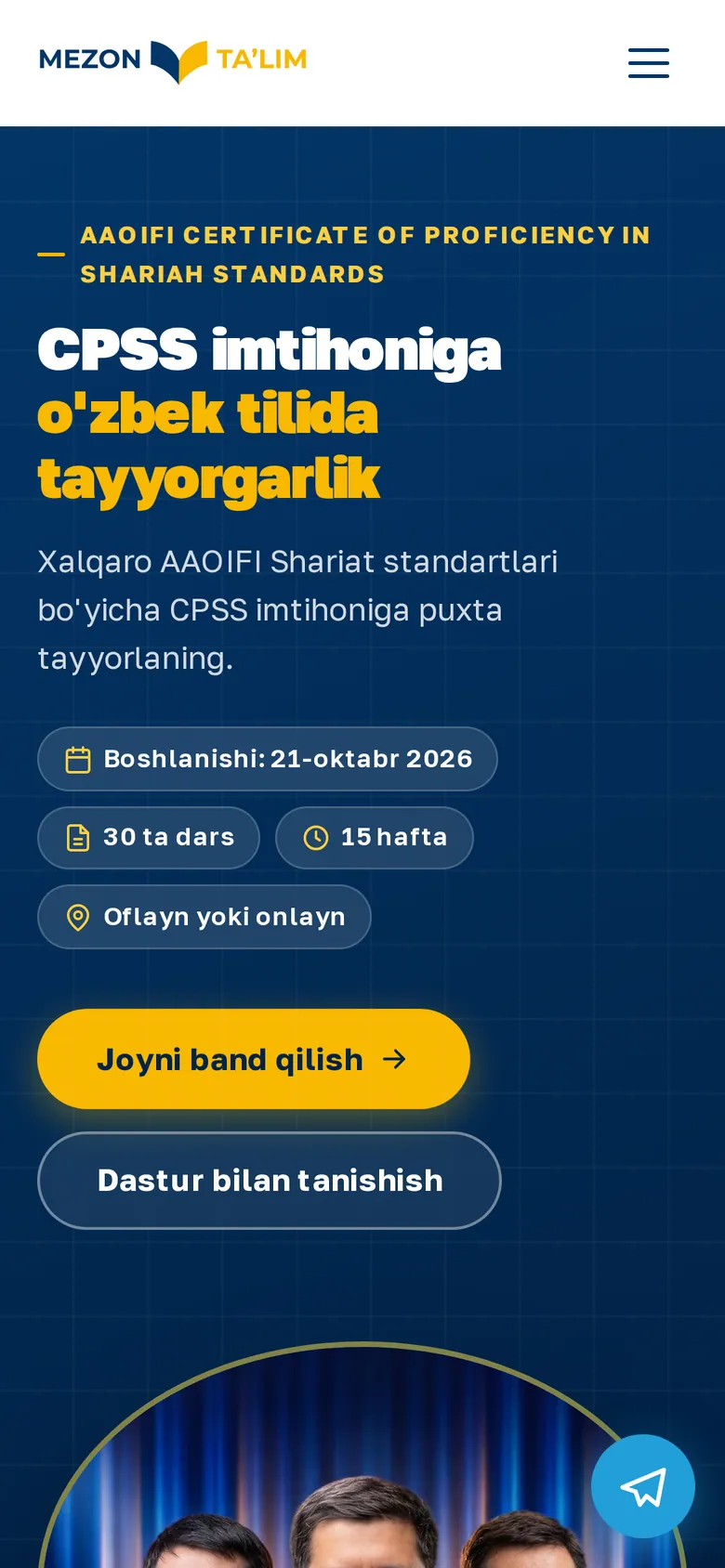
Uzbek adds an extra layer you won't find almost anywhere else in the world. We built a site and a landing page for Mezon Ta'lim, an Islamic-finance training centre, and there Uzbek comes in two scripts, Latin and Cyrillic, plus Russian.
What we decided:
- Latin lives at the site root and Cyrillic under
/uz. In hreflang we use codes that include the script:uz-Latnanduz-Cyrl. Plainuzfor both versions breaks the whole logic. - Cyrillic copy is maintained as a separate dictionary, not generated by automatic transliteration. Auto-transliteration trips over o‘ and g‘, proper names and Russian loanwords.
- I'll own a mistake: for a long time our
<html lang>attribute was the sameuzon both versions. We caught it during an audit. Screen readers and the browser's built-in translator rely on exactly that attribute.
By the way, using /uz for Cyrillic rather than Latin started an argument in our team. I still think /cyrl would have been clearer. But links to the Cyrillic version had already been sent around, and we chose not to break them.
Machine translation: where it's fine and where it isn't
We use machine translation and AI for drafts. But publishing without a native speaker reviewing is a no. Here's how it usually splits for us:
| What we translate | Machine OK? | Comment |
|---|---|---|
| Interface: buttons, forms, errors | draft yes, final no | machines mangle short phrases the most |
| Legal texts, service pages | no | a wrong term costs more than a translator |
| Blog and news | draft yes | an editor then rewrites for real queries |
| Meta tags, title, description | no | written separately for each language's search queries |
The last row matters most for SEO. An Uzbek title translated from Russian almost never matches how people actually search in Uzbek. Azamat covered queries in three languages in more detail in his post on SEO for a website in Uzbekistan.
The checklist we run before launch
- Every language version has its own URL; language doesn't depend on cookies or the browser
- The site root doesn't redirect based on
Accept-Language - hreflang references the page itself, every translation and
x-default - canonical and hreflang match down to the trailing slash
- The script is specified for Uzbek:
uz-Latn/uz-Cyrl <html lang>changes along with the page language- The sitemap lists every language version of each page
- The sitemap is built from live data, not at image build time
- Titles and descriptions are written for each language's queries, not translated
- The language switcher leads to the same page, not to the homepage
The last item seems trivial, yet we see it broken on every other site. Someone is reading an article, switches to Russian and ends up on the homepage.
If you're planning a multilingual site, build it into the architecture from day one. Reworking URLs on a live site that has already earned rankings is painful and expensive. We handle this as part of our web development work, and if you think about multiple languages from the start, they add less to the timeline than you'd expect.